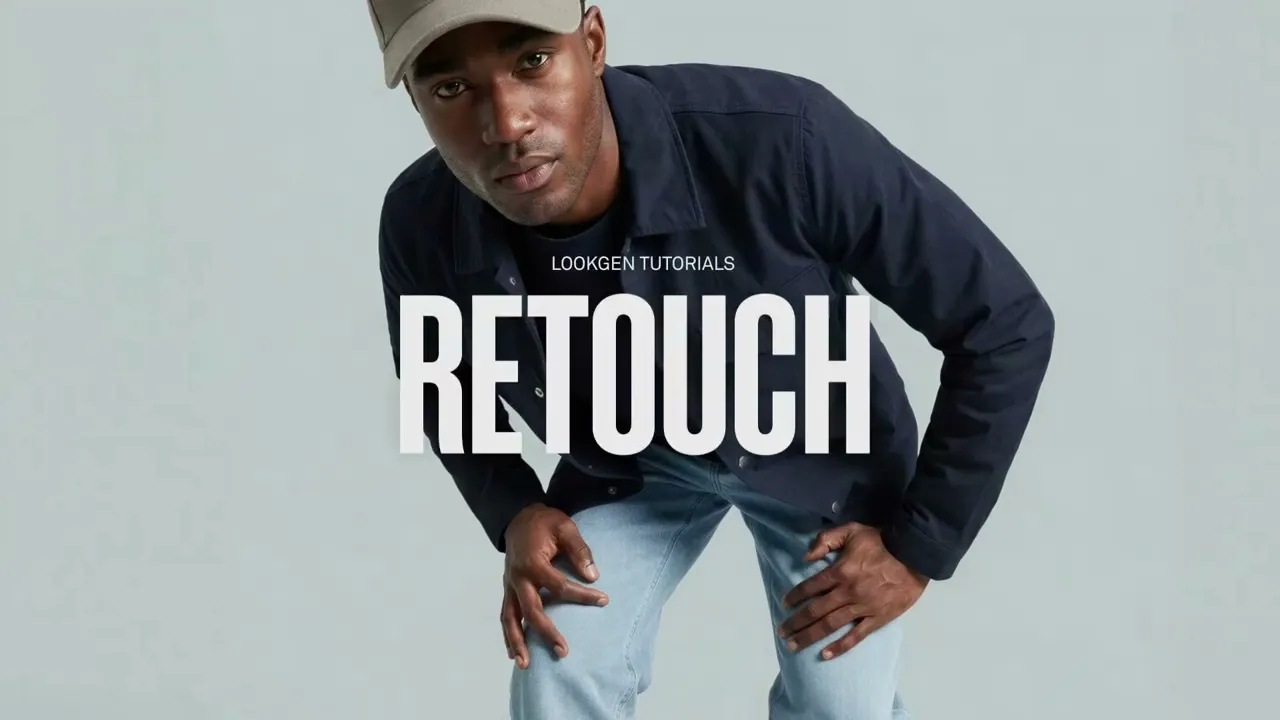
Introducing Retouch
Retouch in Lookgen gives you full creative control to fine-tune every detail of your generated images.

Full creative control,
down to the smallest detail.
Great fashion imagery is all about the details.
With Retouch, you now have even more control over every image you create with Lookgen. Fine-tune specific product details, guide the result with your own product references, and get every look closer to exactly what you have in mind.
From buttons and pockets to logos, prints, textures, and other distinctive product details, Retouch lets you refine a specific part of an image while keeping the complete look consistent.
The result? More creative control, higher success rates, and even more production-ready images from every generation.
See Retouch in action
Retouch is designed to fit seamlessly into your existing Lookgen workflow. Select a detail, provide the right reference, and let Lookgen create new variations, all while preserving the rest of your image.
How Retouch works
1. Select the detail
Open Retouch from the Review Manager and brush over the part of your image you want to refine. This gives you precise control over the area you want Lookgen to focus on.
2. Add your product reference
Select the corresponding product and choose the best reference image for the detail. You can use any product image you've uploaded to Lookgen, including front, back, side, and close-up detail shots.
Simply brush over the relevant part of the reference image to show Lookgen exactly what you want to preserve.
3. Generate variations
Add an optional instruction for additional creative direction and start the generation. Lookgen creates three new variations of the selected area while keeping the rest of your image consistent.
4. Pick your favorite
Choose the result that best matches your vision and continue building your final image set. Want to refine another detail? Simply use Retouch again until your look is exactly where you want it.
More control. Higher success rates.
With Retouch, every generation becomes more flexible.
You can fine-tune individual details while preserving everything you already love about the image. This gives stylists and creative teams more control over the final result and helps turn more generations into production-ready assets.

For the best workflow, we recommend using Retouch on your base look before generating additional angles. A strong base image gives Extend Angles the best possible starting point for creating a consistent PDP image set.
FREQUENTLY ASKED
QUESTIONS
What exactly is Lookgen?
Who is Lookgen designed for?
How does the platform work?
Do I need special skills to use Lookgen?
Can Lookgen integrate with my existing systems?
Is the content license-free?
What are the biggest benefits of Lookgen?